



YouTube
Feature a YouTube video or stream on your page
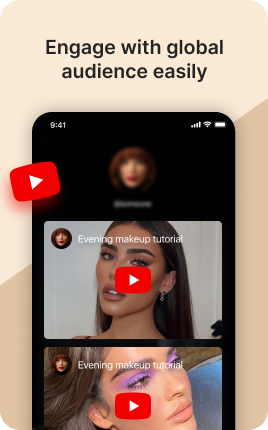
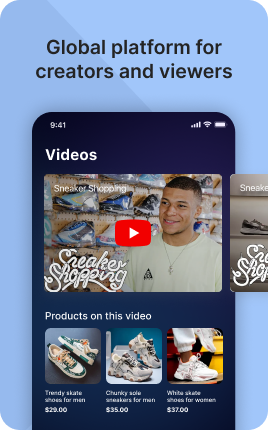
YouTube is a UniLink app for YouTube channel hubs. Input: channel URL, featured videos, latest videos. Output: a hosted page that displays your channel trailer, subscriber count, video grid, and subscribe button.
Overview
YouTube is the right page for any YouTuber who wants a richer entry point than the YouTube channel page itself. Show your channel trailer, subscriber count, latest videos in a grid, and feature top performers. Auto-syncs with your channel — new videos appear automatically.
What you can build
How it works
Connect channel
YouTube channel URL or ID. Live sub count and videos auto-pull.
Feature content
Pin a channel trailer, feature top videos, hide drafts.
Drive subscribers
Subscribe button, channel trailer, video grid drive views and subs.
✓ Best for
- YouTubers driving cross-platform traffic
- Educational channels and tutorial creators
- Vloggers and lifestyle creators
- Brands with active YouTube presence
✗ Not the best fit for
- Selling videos directly — use Sell Video Course
- Live streaming — use Twitch
- Single video showcase — use Video
Frequently asked questions
Does it show live subscriber count?+
Yes — auto-updates from YouTube's public API.
Can I feature a channel trailer?+
Yes — pin one video as the top featured item with autoplay-muted preview.
Will Shorts show up?+
Yes — Shorts can be filtered in/out separately from regular videos.
Are videos clickable to play inline?+
Yes — YouTube embed plays in-page or opens YouTube in a new tab.
How fast do new videos appear?+
Within ~30 minutes of YouTube publishing.
Related apps
What's included
- ✓Video grid from channel
- ✓Subscriber count display
- ✓Featured video section
- ✓Subscribe button
- ✓Channel trailer embed