



Form
Custom form to capture any information from your audience
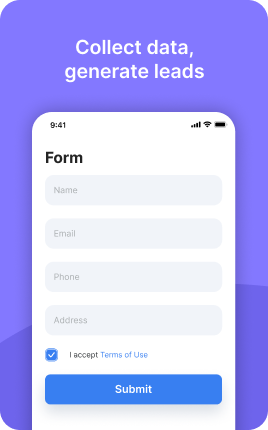
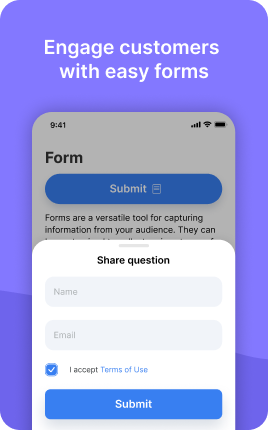
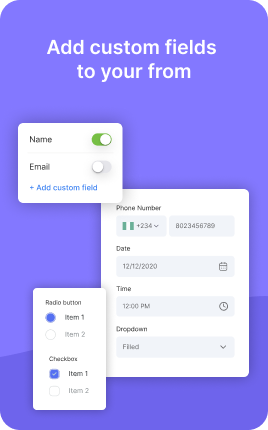

Form is a UniLink app for custom multi-field forms. Input: any combination of fields (text, email, file upload, dropdowns, conditional logic). Output: a public form page with email notifications, response dashboard, and integrations.
Overview
Form is a flexible drag-and-drop form builder. Build contact forms, job applications, customer feedback, lead intake — anything with custom fields. Conditional logic shows or hides questions based on previous answers. File uploads, multi-step pages, branded thank-you screens.
What you can build
How it works
Drag in fields
Text, email, phone, dropdown, file upload, signature, rating. Mark required.
Add logic
Conditional fields ("show if X = Y"), multi-step pages, custom validation.
Receive responses
Email notifications, dashboard, CSV export, webhook to any tool.
✓ Best for
- Lead capture with qualification questions
- Job applications and intake forms
- Customer feedback and request forms
- Multi-step questionnaires
✗ Not the best fit for
- Simple email signup — use Email Subscribe
- Surveys with charts — use Survey
- Order forms with payment — use Order Form
Frequently asked questions
Does it support file uploads?+
Yes — accept PDFs, images, videos, ZIPs. Configurable file-size limit.
Is there conditional logic?+
Yes — show/hide fields based on previous answers, branch into different paths.
Can I send a copy to the submitter?+
Yes — toggle "Email confirmation" to auto-send a copy of their answers.
Does it integrate with Zapier?+
Yes — webhook + Zapier for any tool. Native integrations: Notion, Sheets, Mailchimp, Slack.
Is the form mobile-friendly?+
Yes — designed mobile-first with single-column layout.
Related apps
What's included
- ✓Drag & drop form builder
- ✓Conditional logic
- ✓File upload support
- ✓Email notifications
- ✓Responses dashboard