



Gallery
Image carousel that allows you to showcase your images content
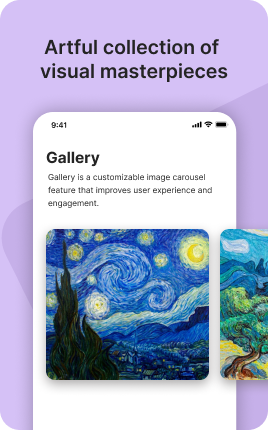
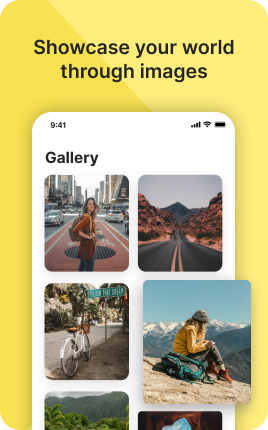
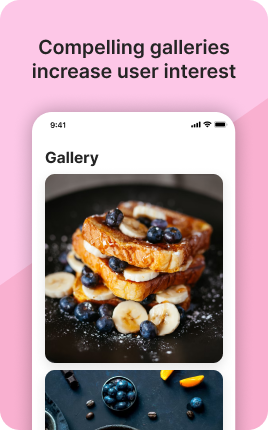
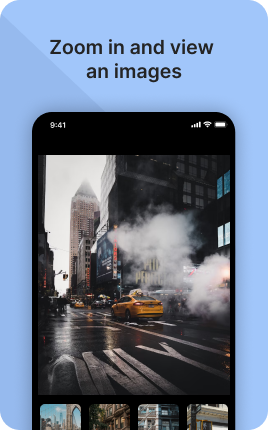
Gallery is a UniLink app for visual portfolios. Input: a set of images with optional titles, categories, and download options. Output: a grid- or masonry-layout page with full-screen lightbox and watermark protection.
Overview
Gallery is the simplest way to publish a visual portfolio — photography, art, design, product shots. Choose grid or masonry, organize by category, and offer downloads if you want. A click expands any image into a full-screen lightbox with swipe navigation.
What you can build
How it works
Upload images
Drag and drop. Reorder, add titles, group into categories.
Pick a layout
Grid (uniform), masonry (Pinterest-style), or single-column hero.
Set permissions
Public, password-protected, or watermark-only previews.
✓ Best for
- Photography portfolios
- Visual artists and illustrators
- Product photography catalogs
- Event coverage and shoot deliverables
✗ Not the best fit for
- Selling images — use Locked Photos or Sell Digital Products
- Story-driven photo essays — use Blog
- Live event galleries with uploads from guests — use Wall
Frequently asked questions
How many images can I upload?+
Unlimited per gallery on Pro. Free plan supports up to 50.
Will images be watermarked?+
Optional — add a watermark image or text overlay applied to every photo.
Can visitors download images?+
You choose: enable downloads, disable, or require an email first.
Does it lazy-load for speed?+
Yes — images load as the visitor scrolls. Page stays fast even with hundreds of photos.
Are images compressed automatically?+
Yes — uploads are optimized for web while keeping a high-resolution version available for download (if enabled).
Related apps
What's included
- ✓Grid & masonry layouts
- ✓Full-screen lightbox
- ✓Categories & tags
- ✓Download options
- ✓Watermark protection