



Twitch
Embed Twitch video or stream on your page
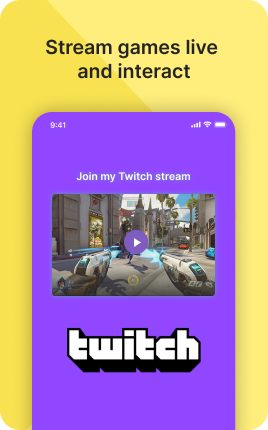
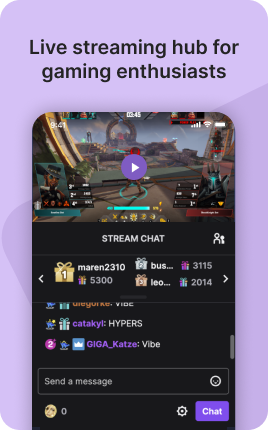
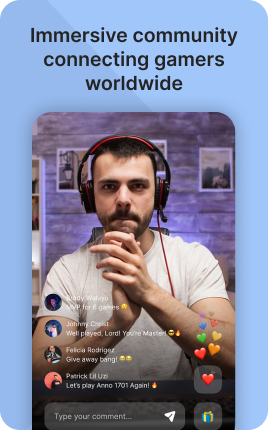

Twitch is a UniLink app for Twitch streamer hubs. Input: Twitch username, optional VOD selections, subscribe button. Output: a hosted page with live-stream embed, latest VODs, follower/subscriber count, and a "now live" indicator.
Overview
Twitch is the right page for streamers who want a richer profile beyond Twitch itself. Show "now live" status with embedded stream, list latest VODs, display schedule, link to subscribe and follow. Drives cross-platform fans into your stream and channel.
What you can build
How it works
Connect Twitch
Username and authorization. Stream status, VODs, schedule auto-pull.
Customize the layout
Live stream embed, VOD grid, schedule, social links.
Share
Use the unil.ink URL anywhere fans can find you.
✓ Best for
- Twitch streamers building a brand
- Variety streamers and esports players
- IRL streamers driving cross-platform
- Cosplay and creative streamers
✗ Not the best fit for
- YouTube-first creators — use YouTube
- Selling streamed content — use Locked Video
- Tip collection — use Tip Jar
Frequently asked questions
Does it show "now live" status?+
Yes — live stream auto-embeds when you go live, with a green LIVE badge.
Will VODs display?+
Yes — latest VODs in a grid with view counts and length.
Can I show my schedule?+
Yes — published schedule pulls from Twitch and displays on the page.
Will follower/sub counts show?+
Yes — public Twitch stats display.
Can I add subscribe and Bits links?+
Yes — direct buttons for subscribing and donating Bits.
Related apps
What's included
- ✓Live stream embed
- ✓VOD replay display
- ✓Follow & subscribe CTA
- ✓Subscriber count
- ✓Schedule display