




TikTok
Display a feed of TikTok videos on page
6K +
Installs
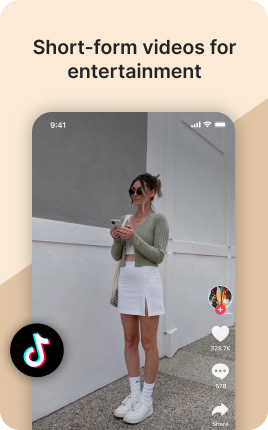
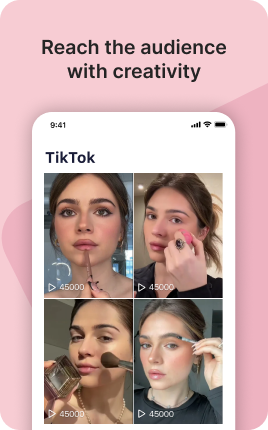
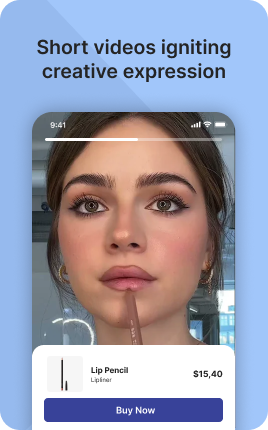

The TikTok Block embeds your TikTok content directly on your link in bio — recent videos, your most-viewed clips, or a single hero video. Visitors watch in place and tap through to follow on TikTok when they're hooked. The block solves a specific problem for TikTok creators: TikTok's in-app browser is restrictive, so visitors who tap your bio link from TikTok end up in a barebones browser. The TikTok Block makes that constrained browser useful by giving them content to watch instead of empty navigation.
Use cases
Concrete patterns we see UniLink creators apply most. Pick the closest to your situation as a starting point.
Recent video feed
Auto-fed list of your last 4-9 TikTok videos. Visitors arriving from TikTok itself see familiar content and convert to follower at higher rates because the platform is what brought them.
Most-viewed video showcase
Your top-3 most-viewed videos prominently embedded. New visitors get your strongest content first, not whatever you happened to post yesterday — which might be a low performer.
Latest viral or pinned video
Single hero embed of your most recent viral or pinned video. Especially useful when the bio is being shared around a specific viral moment — visitors land, watch, follow.
TikTok Shop product showcase
Creators in TikTok Shop can embed product-promotion videos alongside Shop Block products on UniLink. Bridges TikTok content with your direct-sale storefront.
How to add this block
From marketplace install to live on your link in bio. Each step takes seconds; the writing is what takes time.
- 1
Add the block from the marketplace
In your UniLink dashboard, drop the block onto the page where your audience expects to find your content. Most creators put it directly under the hero.
- 2
Connect or paste your account link
Authenticate the social account if the block supports auto-feed, otherwise paste your profile URL. Auto-feed pulls the latest posts on a schedule — no manual updates.
- 3
Choose layout and post count
Grid, slider, or list — pick the layout that works with your other blocks visually. Show 6-9 most recent posts; more clutters, fewer looks empty.
- 4
Set the call-to-action
Add a clear button below the feed: "Follow on Instagram", "Subscribe on YouTube". Visitors who like what they see should know where to go next without scrolling.
- 5
Publish and watch traffic flow
The block now bridges your link in bio with your platform. Track click-through to your social profile in Analytics and adjust position if it underperforms.
Best practices that move the needle
Small changes in writing or curation that consistently improve conversion.
Show your best, not your latest
Auto-feed shows the latest, but if your latest post is weak, it hurts the bio page. Pin or curate your best 6-9 posts — these set the impression for new visitors.
Match the platform's visual language
Instagram-style square crops, TikTok's vertical aspect, YouTube's thumbnail format — visitors recognize and trust content that looks native. Don't fight the platform's norms.
One platform per block
Mixing Instagram, TikTok, and YouTube in one feed dilutes attention. Use a separate block per platform so visitors see a strong stream of one type instead of a confused mix.
Refresh the call-to-action quarterly
Static "Follow me" gets ignored over time. Rotate to specific CTAs ("New post tomorrow at 3pm", "Live in 2 hours") that signal activity and create urgency.
Frequently asked questions
What is a TikTok Block in a link in bio?
A TikTok Block embeds TikTok videos on your link in bio page — recent uploads, hand-picked best videos, or a single hero video. Visitors watch the videos in place via the standard TikTok embed and tap through to follow you on TikTok itself when ready.
Does it work in the TikTok in-app browser?
Yes. The TikTok in-app browser is more restrictive than full mobile browsers, but the TikTok embed loads in it. This is critical because most of your TikTok bio click-throughs land in that browser; without the TikTok Block, those visitors see only navigation and bounce.
How is it different from the Video Block?
Video Block supports YouTube, Vimeo, and self-hosted video. TikTok Block is specialized for TikTok's embed format with proper aspect ratios (vertical 9:16) and native TikTok branding. Use TikTok Block specifically for TikTok content; use Video Block for everything else.
Can I auto-feed the latest videos?
Yes if you authenticate your TikTok account. The block then updates with new posts on a schedule. Manual selection lets you handpick which videos appear, useful for showcasing your best instead of your latest.
Is the TikTok Block free on UniLink?
Yes for basic embedding. PRO plans add features like auto-filtering by view count (only show videos above 10K views) and detailed embed analytics.
Related blocks
Pair this block with these to build a complete page on your link in bio.
Ready-to-use apps in the marketplace
Try ready-made page templates built around this block — install with a single click.
TikTok
Feature your best TikTok video or sell your products with a TikTok page
Music Links
Share your track on all platforms — Spotify, Apple Music, YouTube
Podcasts
Promote and monetize your podcast episodes
Feature your best Instagram media and video or sell your products
YouTube
Feature a YouTube video or stream on your page
Music
Embed Spotify, SoundCloud song, playlist or upload your own audio
Twitch
Embed Twitch video or stream on your page
Ready to add this block?
Drop it on any UniLink page in under a minute. Customize copy, visuals, and order without touching code.
Add to UniLink — free